
🧩 Introduction
Building your own home lab doesn’t need to be expensive. Finding the best budget desktops for Virtual Lab 2025 is the first step to gaining real IT experience. Whether you’re preparing for CompTIA, learning Windows Server, or practicing with VirtualBox, these affordable PCs will help you set up a complete IT lab at home — efficiently and affordably.
Your ad will appear here once approved.
⚙️ Why Choose the Best Budget Desktops for Your Virtual Lab?
Desktops offer better cooling, more storage, and easier upgrades than laptops. In addition, they’re ideal for running multiple virtual machines such as Domain Controllers, Windows Clients, and Linux servers. Finally, you can expand RAM and SSDs later as your lab grows.
best budget desktops
🧠Minimum Requirements for the Best Budget Desktops for Virtual Lab 2025
Before buying, make sure your desktop includes:
- 🧠 Processor: Intel i5 / Ryzen 5 or better
- 💾 Memory: 8 GB minimum (16 GB recommended)
- ⚙️ Storage: 512 GB SSD or higher
- 💽 Virtualization: VT-x or AMD-V enabled in BIOS
- 🧱 Operating System: Windows 10/11
💡 Tip: Always enable virtualization before installing Hyper-V or VirtualBox.
💻 Top best Budget Desktops for Virtual Lab 2025
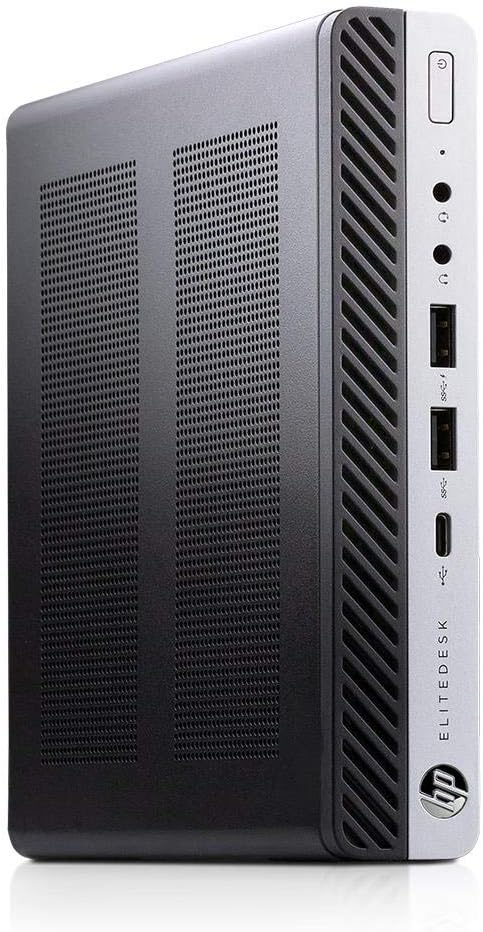
🔹 1. HP Pavilion Desktop — Affordable All-Rounder, best budget desktops
Perfect balance of performance and price for IT students.
- Intel Core i5-12400 CPU | 8 GB RAM | 512 GB SSD
- Smooth multitasking for DNS/DHCP labs
👉 Buy on Amazon https://amzn.to/49m7g3q
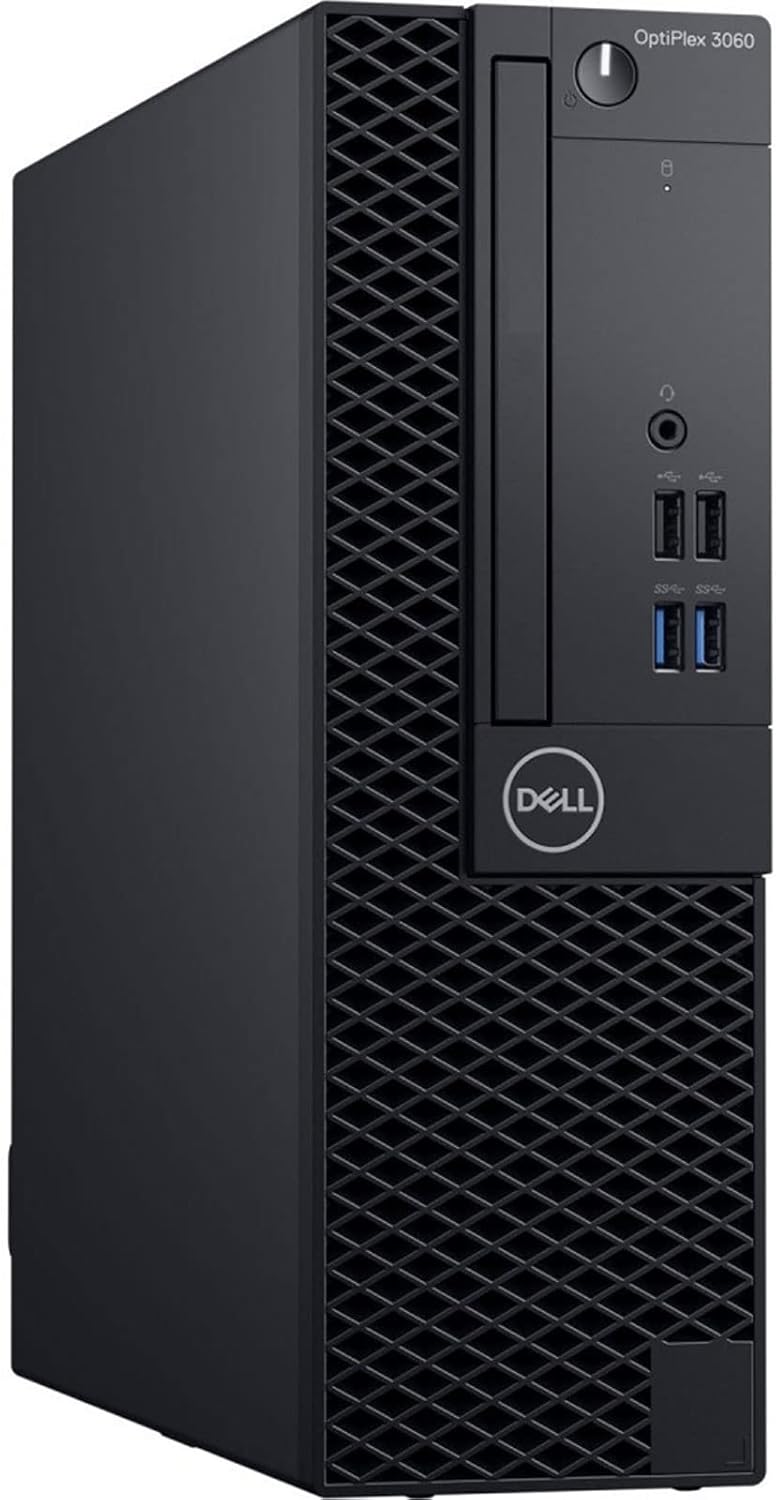
🔹 Dell OptiPlex 3060 SFF — Top Performance Under €350
Handles multiple VMs for lab practice like a pro.
- Intel Core i5-8400 | 16 GB RAM | 960 GB SSD
- Comes with Windows 11 Pro + Office 2021 WiFi
💰 Price: ~€319
👉 Buy on Amazon https://amzn.to/3LtcY9M
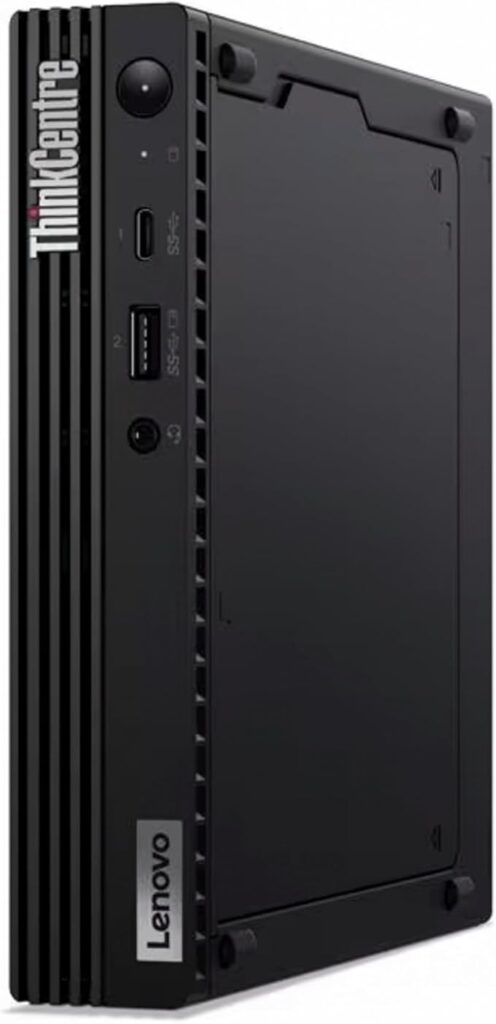
🔹 3. Lenovo ThinkCentre M75 — Compact Powerhouse
Efficient, quiet, and designed for learning labs.
- AMD Ryzen 5 PRO 3400G | 16 GB RAM | 512 GB SSD
- Perfect for students practicing Windows Server 2022 or Active Directory
👉 Buy on Amazon https://amzn.to/42ZG1rG
⚡ Recommended Upgrades for Your Virtual Lab Setup
If you want to speed up your lab:
- 🧠 Upgrade to 32 GB RAM for smoother multitasking
- 💾 Add a 1 TB SSD for faster VM loading
- 🖥️ Use a 27″ monitor for better multitasking visibility
👉 Shop RAM Upgrades on Amazon
👉 Shop SSDs on Amazon
🪟 Alt Text: SSD and RAM Upgrades for Virtual Lab 2025
🧩 How to Set Up Your Virtual Lab After Buying
Next, install VirtualBox or Hyper-V on your new desktop.
After that, download the Windows Server 2022 Evaluation ISO from Microsoft.
Then, create your first VM and set up Active Directory.
In addition, add a Windows 10 client machine to the same network.
Finally, test DNS, DHCP, and Group Policy to simulate a real IT environment.
💾 Always take a snapshot before major changes — it saves time and mistakes.
🎯 Conclusion
Choosing one of these best budget desktops for Virtual Lab 2025 lets you practice real IT skills at home. You’ll gain hands-on experience with Windows Server, DNS, DHCP, and Active Directory — all essential for landing your first IT Support or SysAdmin role.
🔗 Bonus Resources
- Microsoft Evaluation Center – Server ISO
- VirtualBox User Manual
- Oracle VirtualBox
- ZumuniTech YouTube Channel — watch step-by-step labs
🏷️ SEO Keywords
best budget desktops for virtual lab 2025, virtualbox server practice, windows server lab setup, affordable pcs for it students, active directory lab, comptia lab setup
👉 Read next:How to Build a Free Virtual Lab for Network+ – 2025 Beginner