
Introduction
Your ad will appear here once approved.
Artificial Intelligence (AI) is the new normal. Moreover, by 2025, it drives many IT tasks. Many companies now use AI tools fully. But, this fast change makes many new staff worry about their jobs. A big question arises: Will AI take over IT support?
The simple answer is no. Yet, the job is changing fast. AI handles certain easy tasks. However, it does not remove the need for human skill. Instead, the human role is shifting. Machines now fix simple issues. Humans must focus on hard problem-solving and planning. Thus, understanding this change is key for success.
First, we look at how AI and cloud computing change IT support. Next, we show which skills are safe for the future. Finally, we show you what to study next to thrive.
Part I: How AI Helps IT Support Today
AI is widespread in modern business. Firms use AI to boost speed, cut errors, and limit downtime. This frees IT teams from basic work. Therefore, they can now focus on important growth. Here is how it works:
1. Automated Ticket Management
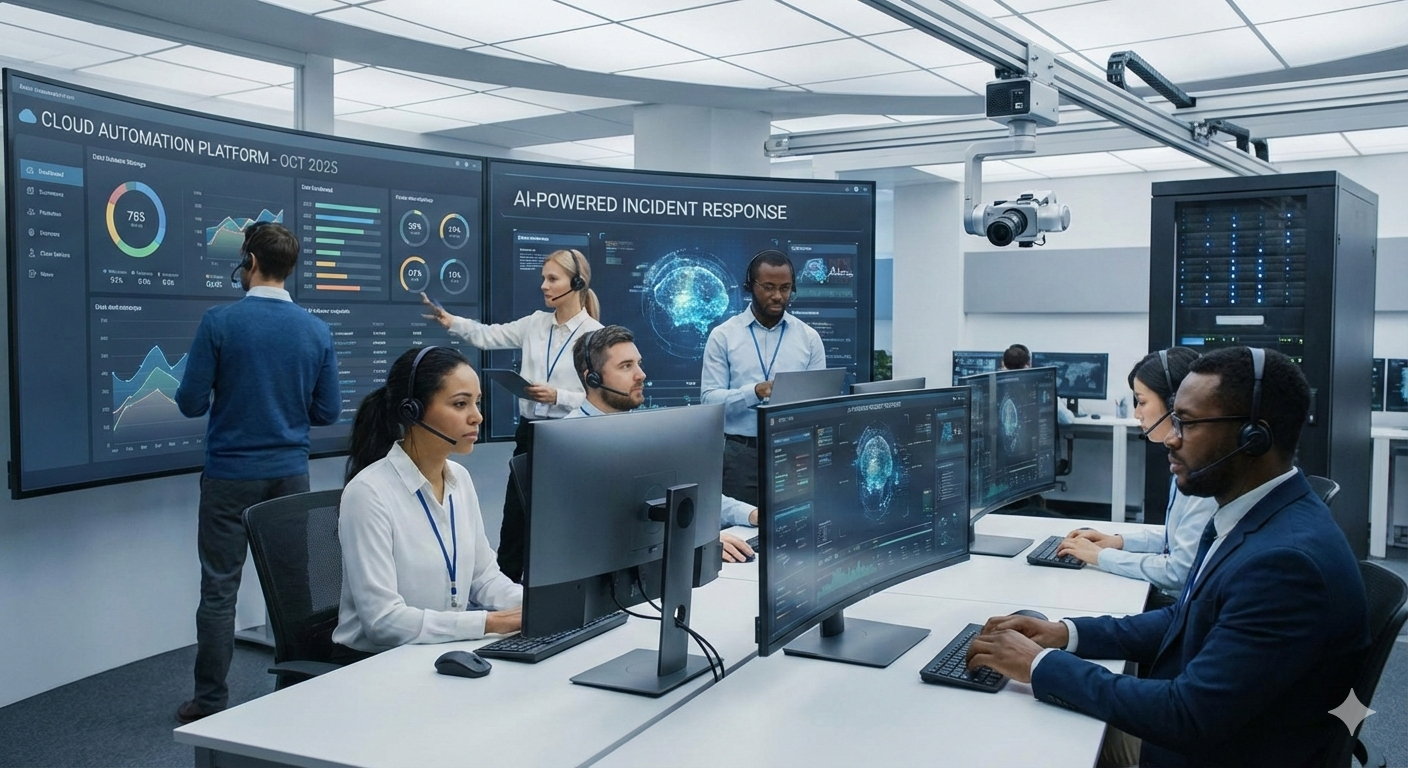
In the past, staff spent hours sorting tickets. So, this caused long wait times. Today, smart systems handle this task. AI tools read ticket text and sort them fast. [Image: AI-powered help desk dashboard] These systems can:
- Group new tickets (e.g., server crash vs. printer issue).
- Also, mark major issues that could cost the business money.
- Then, send tickets to the right expert quickly.
This automation means faster fixes. Plus, it saves staff from tiring manual work.
2. AI Chatbots and Virtual Assistants
Also, a bot is often the first helper. AI chatbots are good enough to fix basic issues alone. For example, these bots handle password resets, account unlocks, and simple “How-to” questions.
Bots work all day, every day. This greatly cuts pressure on human teams. In fact, bots may handle up to 30% of user chats by 2025. As a result, human staff only step in for hard problems.
If you want to explore more beginner-friendly tools like chatbots, see our guide on Top 10 AI Tools Everyone Should Use in 2025
3. Predictive Analytics and Log Analysis
AI is crucial for keeping systems healthy. Therefore, it moves support from fixing things to preventing them. AI tools constantly check large amounts of data. They can find strange things before a crash. For instance, an AI might:
- Link a software update to slower network speeds.
- Furthermore, see a server drive filling up too fast.
- Plus, flag odd network activity.
In short, IT support stops problems before they happen. Thus, this makes systems more reliable.
Part II: The Human Advantage
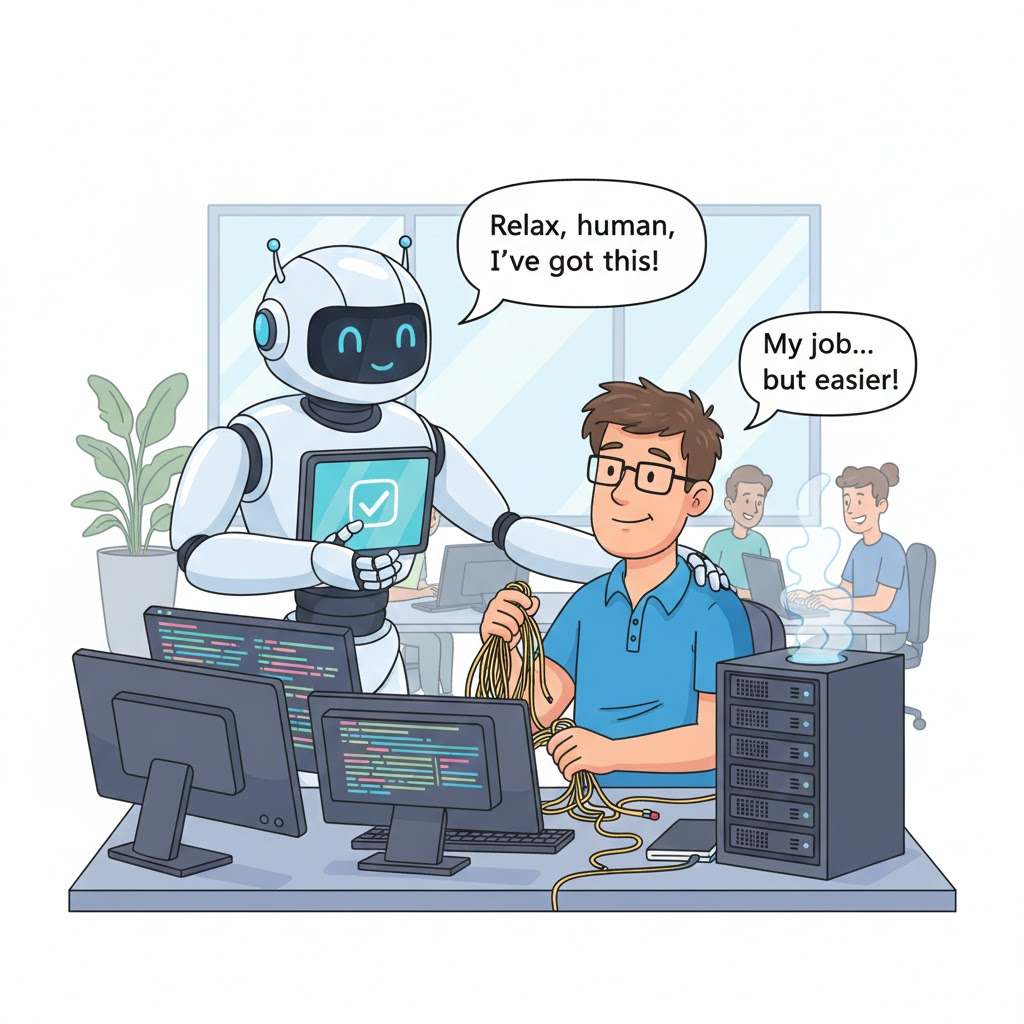
The change is clear: AI improves the IT job. It does not take it away. Instead, the job title is moving toward “Automation Manager.” But, the human’s value is in high-level tasks.
What AI Cannot Replace
Despite automation, AI has limits. While an AI can follow simple rules, it lacks empathy and context. Therefore, the following tasks must stay human:
- Complex Troubleshooting: AI fails with odd issues. For instance, this includes old software or custom setups. A human’s ability to think outside the box is key here.
- Physical Support: Remember, a bot cannot replace a broken part or install a new cable.
- Empathy and Communication: IT is a service job. A worried user needs patience and clear talk. In these moments, human understanding matters most.
- System Design: Building a secure network that fits the business plan needs human vision. Also, it needs budget control and ethical choices.
Part III: The Essential “Old School” Skills
Even though the tools change, the basics of IT stay the same. Simply put, you cannot manage AI tools without knowing the systems they run. To succeed, these core skills are still vital: [Image: Simple OSI model diagram]
- Networking Fundamentals: AI cannot fix network problems. Therefore, knowing IP addressing, DNS, DHCP, and routing (Network+) is the essential first step.
- Windows Server & Active Directory: Most large firms use Microsoft systems. Knowing Group Policy and user access is key. Furthermore, humans must still design and check these core systems.
- Cybersecurity Awareness: Security is everyone’s job now. Also, all IT staff must know about phishing and access control. This keeps company data safe.
Part IV: The New Toolkit: Skills for 2025
To stay competitive, IT workers must learn modern tools. The modern IT pro should focus on three linked areas: Automation, Cloud, and Data. [Image: Cloud computing layers diagram]
1. Scripting and Automation Skills
In the past, scripting was a bonus. Now, it is a must. Specifically, learning automation languages lets IT pros build the fixes that AI finds.
- PowerShell: Best for managing tasks in Windows and Azure.
- Python: Moreover, it is the top language for automation and connecting with APIs.
- Infrastructure as Code (IaC): Tools like Terraform are used to build cloud services with code. This helps keep things consistent.
2. Cloud Fundamentals (AWS, Azure, GCP)
Cloud computing is a must-have skill. Because of this, about 95% of groups will use cloud first by 2025. This means managing virtual services, not just hardware.
https://aws.amazon.com/what-is-cloud-computing/
- Cloud Concepts: You must learn IaaS, PaaS, and Serverless Computing.
- Key Platforms: Learn the basics of the top three: AWS, Microsoft Azure, and Google Cloud (GCP). These include key services and how they link to old networks.
- Cost Management: Controlling cloud spending is a new challenge. So, knowing billing models and saving resources is a high-value skill.
3. Data Literacy and AI Tool Management
AI works because of data. So, IT staff must know how to use these new platforms.
- AI-Augmented Workflows: Learn to run smart ticketing systems. When you learn these tools, you become the strategic manager of the machine.
- Data Analysis Basics (SQL): Simple data searching skills are needed to read trends from big data sets.
- DevOps Concepts: Knowing the rules of CI/CD helps IT support teams work better with developers. Thus, this makes systems more stable.
Part V: Key Certifications for Future IT Workers
If you want to prove your skills, these certifications are right for the 2025 job market:
- CompTIA A+
Covers hardware, operating systems, and basic troubleshooting. - CompTIA Network+
Focuses on networking concepts, protocols, and connectivity. - CompTIA Security+
Introduces core cybersecurity principles and digital defense. - Microsoft Azure Fundamentals (AZ-900) / AWS Cloud Practitioner
Provides a foundation in modern cloud computing.
Final Thoughts: Look at the Opportunity
To finish, AI and cloud tech are fully changing IT support. But, see this change as an opportunity, not a threat. The shift means better, higher-value work.
AI takes away boring tasks. Instead, this lets techs focus on real problem-solving and better user service.
In the end, people who keep learning and master both the “old” basics and the “new” AI tools will be vital and in high demand.
At ZumuniTech, our goal is simple: We help you learn real skills for real jobs.